“Adjusted the mobile menu.”
Juniper Studio Today
Time: add laterIncluded in project fee
✓ Thought captured. Keep moving.FOR THE INDEPENDENT CREATIVE
The quick fix. The fourth revision. That thing you bought for the client. Get it out of your head—and into your next invoice.
See how it works ↓Currently in private testing. Signups aren’t open yet.
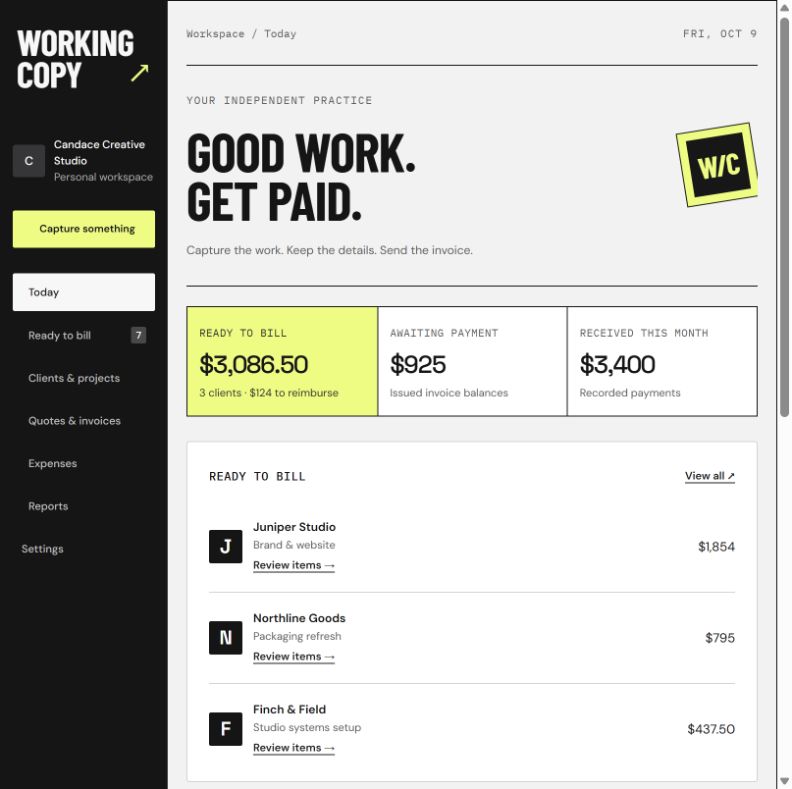
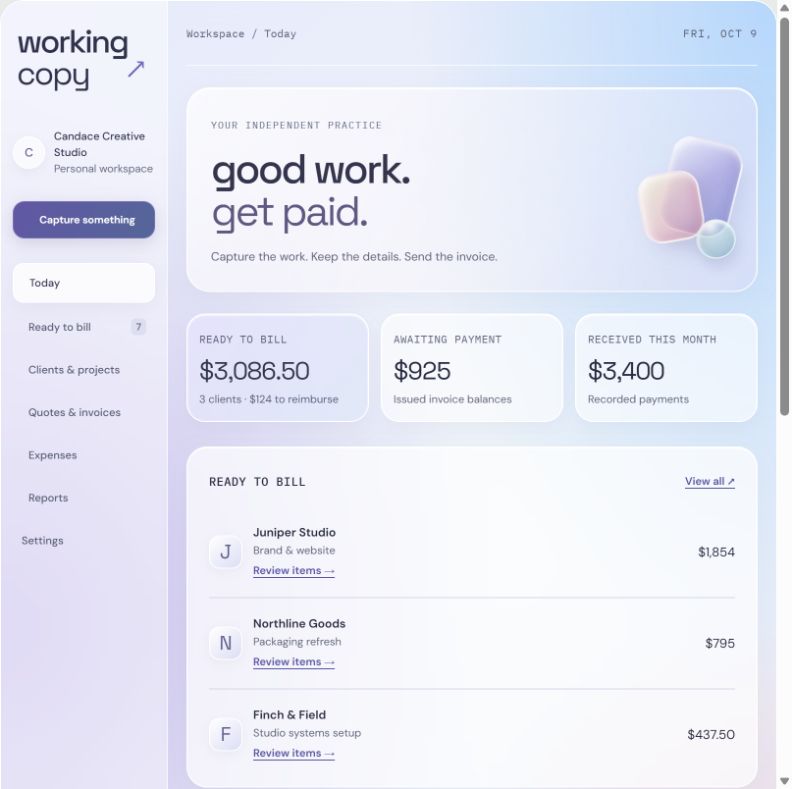
Same thoughtful system. A different state of mind.
Actual prototype screens · sample records
01 / MADE FOR THE WAY CREATIVE WORK HAPPENS
A website is waiting on copy. A logo is almost there. Another client needs something by tomorrow. Working Copy gives all those loose ends a place to land.
Juniper Studio Today
Client is choosing a search placement.
Next: confirm their choice, then finish the header.
Jot a task, log hours, save a receipt, or leave yourself a note. You don’t need every detail before you can save it.
Keep work with its client or project. Record what’s waiting, what changed, and what you’ll do next.
Choose what’s ready to bill. Your descriptions, hours, prices, expenses, and supporting notes are already there.
02 / CREATIVE TOOLS SHOULD HAVE SOME PERSONALITY
A sharper day. A softer day.
Switch the atmosphere. Keep your workflow.
Black, white, and a hit of acid yellow.
A little editorial. A little edge.
Soft color, floating surfaces, and room to breathe.
Same tools. Different energy.
03 / THE LAST IMPRESSION MATTERS TOO
Your logo. Your details. Your payment terms. Pick Ink or Prism for a PDF that feels like it belongs to your studio.
Keep the invoice easy to scan, then add rich text, bullets, or a supporting page when the work needs a little more explanation.
Two-page examples, including a supporting explanation.
Fictional studio and client details.
THE SMALL THINGS THAT MAKE IT WORK
Turn an accepted quote item into something ready to bill. Invoice a finished banner, a batch of social posts, or a portion of a bigger project. The remaining amount stays in view.
↗Track the time behind a fixed fee without accidentally charging it again. Add extra hourly work when it really is additional work.
↗Use bold, bullets, and line details. Link an explanation to a particular item. Keep private notes private, and choose which supporting pages go to the client.
↗Attach a receipt and mark an expense for reimbursement. It appears in its own invoice section, with a trail back to the expense and its payment status.
↗Save reusable terms and select them on an invoice. Include your Zelle instructions, PayPal details, or a secure payment link. Record deposits, partial payments, and the balance still due.
↗Export a simple income-and-expense summary, a money-in/money-out list, contractor payment totals, and receipts matched to expenses. Keep recurring costs on a schedule with an optional end date.
↗BUILT AROUND AN INDEPENDENT CREATIVE PRACTICE
Working Copy is getting its own working copy.
It’s in private testing while the details get a little sharper.